
When I took on SEO for ZoodleApp, I expected a familiar mix of keyword research and on-page optimization. The first priority turned out to be technical: the custom Angular site needed to make its important pages easier for search engines to discover, render, and understand.
The starting point: pages Google was not reliably finding
ZoodleApp was a custom-coded website built with Angular. At the start of the engagement, many pages were not detected or indexed as expected. Titles and descriptions were missing, duplicated, or generic; internal links were weakly organized; structured data was absent; and social sharing tags were not configured consistently.
The goal was to make important pages discoverable, indexable, and useful for relevant search queries. We began with a technical audit rather than assuming that publishing more content would solve an indexing problem.
Why can an Angular website have SEO problems?
A client-rendered single-page application may initially send a small HTML shell and rely on JavaScript to build the page in the browser. Search engines can process JavaScript, but rendering may happen separately from the initial crawl. If important text, links, or route-specific metadata are unavailable or inconsistent, discovery and indexing can be delayed or incomplete.
Client-side routing also needs crawlable URLs and standard links. A page that works after an in-app click is not necessarily easy for a crawler to discover if its route is not linked with a normal anchor and href.
Angular itself is not inherently bad for SEO. The rendering strategy, route behavior, content availability, and metadata implementation determine whether a particular site is accessible to search engines.
How we diagnosed the indexing and crawlability issues
We compared what users saw with what a crawler could discover and render. Google Search Console and URL Inspection helped review indexing status and rendered output; viewing the raw source alongside the rendered DOM exposed differences in page content and metadata.
A site crawl mapped URLs, titles, descriptions, headings, response codes, and internal links. We also reviewed the XML sitemap and robots.txt to check that important URLs were included, canonical, indexable, and not unintentionally blocked.
- Review Search Console coverage and URL Inspection for priority pages.
- Compare raw HTML with the rendered DOM and check whether each route has unique content.
- Crawl the site to find missing metadata, broken routes, status-code problems, and orphan pages.
- Check sitemap and robots.txt rules against the pages the business wants indexed.
What we changed to make pages crawlable and indexable
We focused first on technical foundations: important pages needed stable, clean URLs; navigation and in-content paths needed real links; and essential page content and metadata needed to be available reliably to crawlers.
The project notes do not record which specific Angular rendering method was implemented. They describe the requirement—make essential content reliably available—but do not confirm whether the final solution used server-side rendering, prerendering, or another approach. That implementation detail should be verified before presenting it as a project result.
We also created and submitted a sitemap containing canonical, indexable URLs; checked that robots.txt did not block important pages or rendering resources; added self-referencing canonical tags; and corrected soft 404s so missing pages could return proper not-found responses. Priority URLs were then submitted for indexing and monitored in Search Console.
- Give every important page a unique, crawlable URL.
- Use standard anchor links with href attributes for navigation and related content.
- Keep the XML sitemap limited to canonical URLs intended for indexing.
- Use accurate canonical tags and real 404 responses for missing pages.
How we improved on-page SEO page by page
Because the website was custom-built, each page needed deliberate metadata and content decisions rather than relying on a plugin. We mapped pages to search intent and gave each an individual title, description, and heading structure.
Titles placed the main topic early, stayed concise, included the brand where useful, and avoided duplicates. Descriptions summarized the page and its value in natural language. Each page had one clear H1, followed by logically nested H2 and H3 headings. We also mapped one primary topic to each page to reduce keyword cannibalization and strengthened thin sections with specific, useful information.
Images were given descriptive file names and meaningful alternative text, and were optimized with mobile performance in mind. The aim was to help visitors first while making each page's subject clear to search systems.
How internal links and automation supported the work
We connected related pages with descriptive anchor text, reduced orphan pages, and made important content reachable within a few clicks of the homepage. External links were used where they helped readers, with sponsored or user-generated links qualified appropriately.
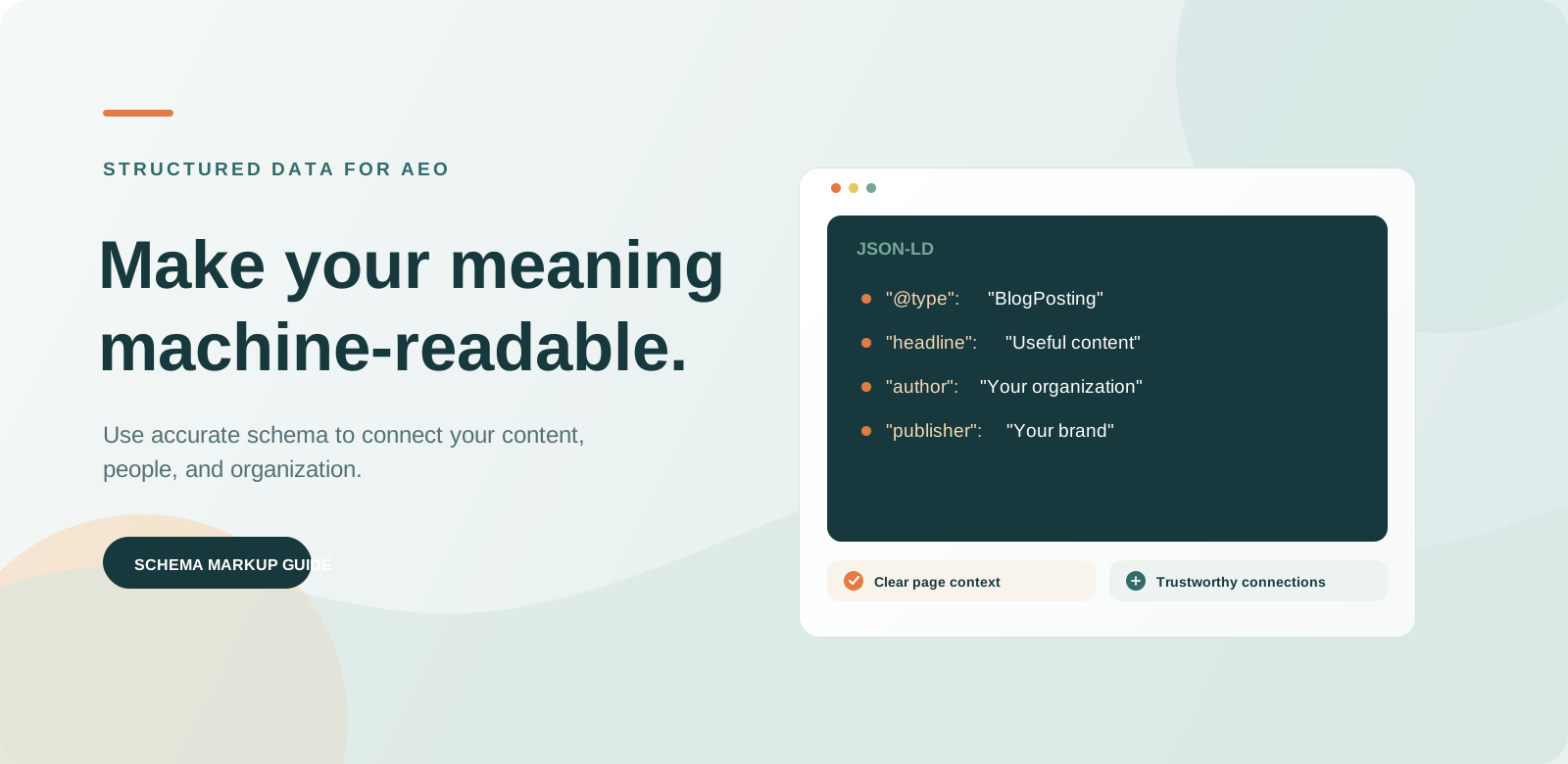
Under my guidance, repetitive technical work was automated: structured data templates, Open Graph and Twitter Card tags, sitemap and canonical generation, and fallback metadata. I defined the rules and reviewed the output; keyword mapping, positioning, and messaging remained human decisions. Automation made repeatable implementation more consistent, but every generated result still needed validation.
- Use relevant internal links to connect related pages and help crawlers find them.
- Generate structured data that matches visible page content and its actual entity type.
- Set page-specific Open Graph and Twitter metadata so shared links have the right title, description, and image.
- Validate generated markup and spot-check pages after deployment.
Performance and mobile checks
Technical SEO also depends on a site that people can use. We reviewed Core Web Vitals, JavaScript bundle size, route loading, image optimization, caching, compression, and mobile behavior. Search Console and PageSpeed Insights were used to monitor the experience rather than assuming that a change improved it.
For a JavaScript-heavy site, performance work should be measured on real page templates and representative devices. Reducing unnecessary JavaScript and loading assets efficiently can improve usability, but the effect should be confirmed with field and lab data.
How to measure SEO impact without guessing
The project notes supplied for this case study do not contain verified before-and-after figures or Search Console screenshots. We have therefore not stated traffic, ranking, or indexing gains as measured outcomes.
To evaluate impact, record a baseline and compare it with subsequent periods in Search Console and analytics. Track the number of priority URLs indexed, impressions, clicks, click-through rate, average position for mapped queries, and time for new pages to be indexed. Annotate releases and compare equivalent time windows so seasonality or unrelated changes are not mistaken for results.
- Confirm that priority canonical URLs are discovered and indexed.
- Compare clicks and impressions for the target pages and query groups.
- Monitor average position and click-through rate alongside impressions.
- Document release dates and investigate changes before attributing cause.
Frequently asked questions about Angular SEO
Is Angular bad for SEO?
No. Angular sites can be indexed and rank in search. A client-rendered implementation may need extra attention to rendering, crawlable routes, link discovery, and route-specific metadata so search engines can reliably access each page.
Why was Google not detecting the ZoodleApp pages?
The project audit found that many pages were not being detected or indexed as expected. The site was custom-coded in Angular, and the work focused on crawlability, route-level content and metadata, internal linking, and indexing signals. The supplied notes do not identify one single root cause or the final rendering method.
Can Google crawl and index JavaScript websites?
Yes. Google can render JavaScript, but crawling and rendering can happen in separate stages. Make important content and links available reliably, use unique URLs and metadata, and verify rendered pages with Search Console.
What is the difference between server-side rendering and prerendering?
Server-side rendering produces HTML on the server for a request. Prerendering generates HTML ahead of time, often at build time. Both can make page content available in HTML before client-side JavaScript runs, but the right choice depends on the application's update needs and architecture.
How can I check whether Google can see my page content?
Inspect the URL in Google Search Console and review its rendered HTML and indexing status. Compare the raw page source with the browser's rendered DOM, and crawl the site to find pages with missing content, metadata, or internal links.
What technical SEO work was automated for ZoodleApp?
Under human guidance, the project automated structured-data patterns, Open Graph and Twitter tags, sitemap and canonical generation, and fallback metadata. Strategy, keyword mapping, and messaging remained manual, and generated output was reviewed.
Did the Angular SEO fixes increase ZoodleApp's traffic?
The source notes provided for this case study do not include verified before-and-after traffic or ranking data. No numerical improvement is claimed here; measure changes in Search Console and analytics against a documented baseline.
Do Open Graph tags improve Google rankings?
Open Graph tags primarily control how links are presented when shared on social platforms and messaging apps. They are useful for consistent sharing previews, but they are not a substitute for crawlability, useful content, and search metadata.
When should I use rel="nofollow" on an external link?
Use rel="sponsored" for paid placements and rel="ugc" for user-generated links where appropriate. Google also accepts rel="nofollow" when you do not want to imply an endorsement. Ordinary editorial links to useful, trusted sources generally do not need these qualifiers.
The takeaway
ZoodleApp's case reinforced a practical lesson: resolve discovery and rendering barriers before expecting content optimization to carry the whole SEO effort. Crawlability, page-specific metadata, strong internal links, accurate structured data, and ongoing measurement work together.
For any Angular or JavaScript-heavy website, start by checking what crawlers can actually reach and render. Fix the technical foundations, automate only repeatable patterns, and use verified data—not assumptions—to describe the results.
Want to put these ideas to work for your business?
Talk with our team